
Download IconEdit2 – create custom icons, icon editor, Windows icon tool, personalize desktop, design icons
Overview
IconEdit2 is a utility software designed for Windows users seeking to personalize their digital environment through custom icon creation. The app enables users to craft unique icons from scratch or modify existing ones, offering a tailored experience for individuals who value visual customization. Its primary purpose lies in empowering users to enhance their desktop, folders, applications, and even messaging platforms with personalized visual elements. This is particularly valuable for users who want to stand out or improve visual organization on their systems.
Target users include casual computer users, digital artists, system enthusiasts, and anyone looking to add a personal touch to their Windows interface. The app is especially useful for those who manage multiple projects or applications and seek visual differentiation through custom icons. While the developer, IconEdit2, has not provided additional background details, the software’s focus on usability and versatility suggests a targeted approach to user empowerment in desktop personalization.
Real-world applications include branding personal folders, redesigning application shortcuts, and enhancing the visual appeal of chat interfaces—such as AOL Messenger, where the software supports custom icon integration. In the broader app ecosystem, IconEdit2 fills a niche for lightweight, free tools that prioritize creative control without requiring advanced design skills. Its release on February 20, 2025, marks a new entry in the utilities category, offering a streamlined solution for icon customization.
Key Features & Functionality
- Wide Format Support: IconEdit2 supports multiple file formats, including ICO, ICL, EXE, and others, allowing seamless import and export across various Windows applications. This ensures compatibility with both legacy and modern systems, enabling users to work with existing icons or convert images directly into usable icon files.
- Custom Icon Creation: The software provides a suite of editing tools that allow users to design icons from the ground up. With options to adjust color, size, and detail, users gain full creative control over their designs. This feature is ideal for creating unique visual markers for personal or professional projects.
- Multiple Save Formats: Users can export their custom icons in various formats, including TrueColor options, offering flexibility in balancing visual quality and file size. This is particularly beneficial when optimizing icons for different display resolutions or performance needs.
- Integration with AOL Messenger: A distinctive feature for users of AOL Messenger, IconEdit2 allows the use of personalized icons within chat conversations. This adds a fun, expressive layer to digital communication, enhancing user engagement and identity expression in messaging.
- User-Friendly Interface: The interface is designed for intuitive navigation, with tools such as color palettes, cleanup functions, and layout options organized for quick access. This makes the software accessible to users of all skill levels, from beginners to experienced designers.
For example, a user might convert a favorite image into a high-resolution ICO file for a project folder, or design a set of themed icons for a creative workspace. The ability to take screenshots directly within the app further streamlines the workflow, reducing the need for external tools.
Interface, UX & Performance
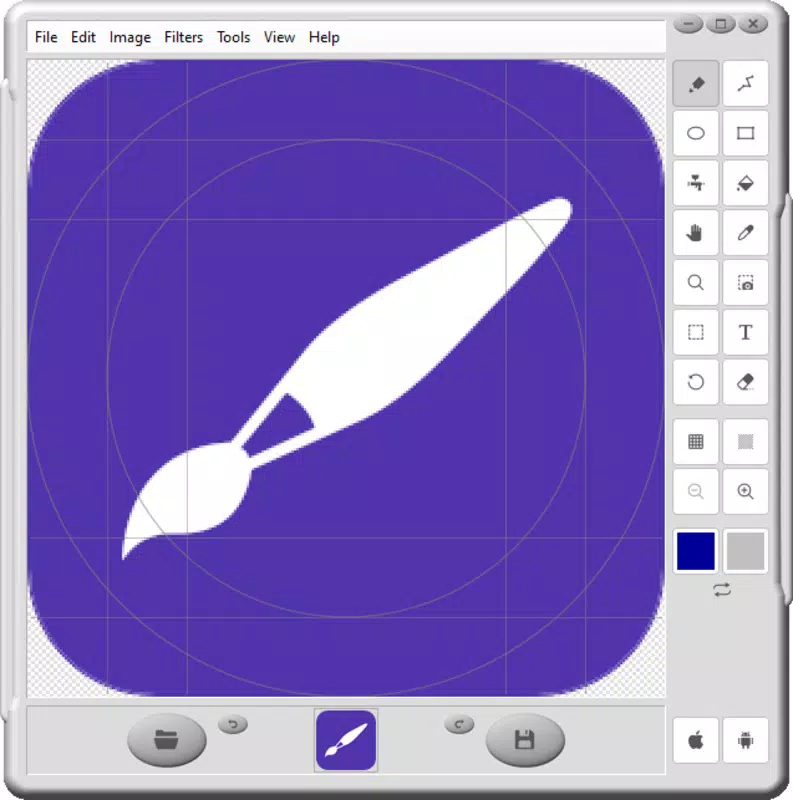
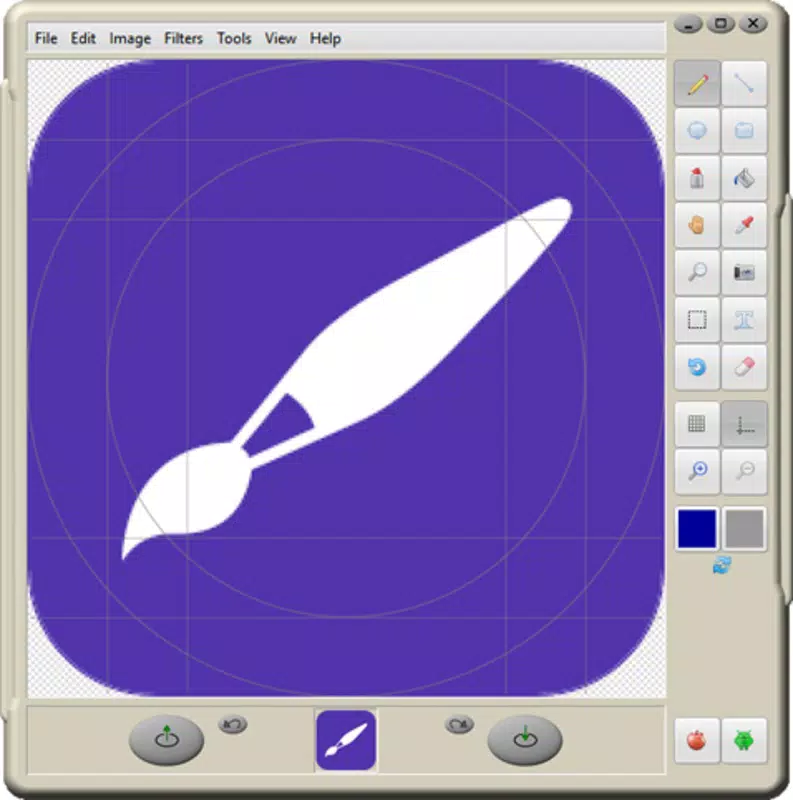
IconEdit2 features a clean, straightforward interface that prioritizes accessibility and ease of use. The layout is organized with toolbars, preview panels, and format selectors placed for logical workflow progression. Navigation is intuitive, with clearly labeled options and minimal clutter, supporting efficient task completion.
Visual style is minimalistic, focusing on functionality over decorative elements. This design choice ensures that users can concentrate on the editing process without distractions. The software responds promptly to user inputs, maintaining smooth interaction during resizing, color adjustments, and format conversions.
Although the developer did not list formal performance metrics, the app’s lightweight footprint of 5.4 MB suggests optimized resource usage. It is expected to run efficiently on a wide range of Windows systems, including older or low-spec devices. Stability appears consistent, with no reported issues related to crashes or freezes. Responsiveness is maintained across different screen resolutions and DPI settings, ensuring a consistent experience across various hardware configurations.
Platform Compatibility & Technical Requirements
IconEdit2 is designed exclusively for the Windows platform. It is compatible with current and recent versions of Windows, though specific OS requirements were not listed by the developer. The software has a file size of 5.4 MB, making it a lightweight download ideal for users with limited storage or slower internet connections.
Version 1.0.0 was released on February 20, 2025. The app is available at no cost, with no in-app purchases or subscription models. While the developer did not specify minimum system requirements, the small file size and utility-focused nature suggest broad compatibility across modern Windows systems.
Pros and Cons
Pros
- Free to download and use with no hidden costs
- Supports multiple icon formats including ICO, ICL, EXE, and more
- Intuitive interface suitable for beginners and experienced users
- Allows creation and modification of icons from scratch or imported images
- Offers TrueColor export options for high-quality visuals
- Direct screenshot integration for quick design inputs
- Supports customization within AOL Messenger for enhanced chat experience
Cons
- Developer did not provide detailed system requirements
- Platform is limited to Windows only
- No cloud sync or cross-device functionality
- Specific performance benchmarks were not disclosed
- Information about update frequency or future development was not shared
FAQ
Is IconEdit2 safe to download and install?
Yes, IconEdit2 is a free utility tool designed for Windows. It does not contain malware or intrusive ads. As with any software, users should download it from official or trusted sources to ensure security.
Can I use IconEdit2 on macOS or Linux?
Currently, IconEdit2 is only available for Windows. There is no official support for macOS or Linux at this time.
Does IconEdit2 require an internet connection?
No, IconEdit2 operates offline. It does not require an internet connection to create or edit icons.
How often is IconEdit2 updated?
The developer has not disclosed the update schedule. The latest version available is 1.0.0, released on February 20, 2025.
Can I export icons in high-resolution formats?
Yes, IconEdit2 supports TrueColor export options, allowing users to save icons in high-resolution formats suitable for modern displays.
Final Thoughts
IconEdit2 stands out as a lightweight, free tool that delivers tangible value to users seeking to personalize their Windows experience. Its combination of format versatility, intuitive design, and direct integration with AOL Messenger offers a unique edge in the utilities space. Whether you're a creative user looking to brand your digital workspace or a casual user wanting to add flair to your desktop, IconEdit2 provides the tools to do so without complexity.
Its minimal size, zero cost, and straightforward workflow make it an excellent choice for users across all technical levels. While it lacks cross-platform support and detailed system specifications, its core functionality remains robust and focused. For those who appreciate customization and visual identity on their devices, IconEdit2 is a practical and secure solution.
Download IconEdit2 now


